On this page you will find all the resources needed for the Early Years Library Introductory Workshop for Leaders and Champions.
If you are not a leader or a champion in your nursery, you should do the Introductory Workshop for Early Years Educators.
Start with the welcome video below, which will give you a brief introduction to the workshop.
Then watch the videos in order. You should use the dedicated Introductory Workbook for Leaders and Champions for all of the videos and activities. Please download a copy from here.
Make sure you have at least one other member of your team to discuss ideas with. The videos are very short, but most videos are also accompanied by an activity in the workbooks, which may take 10-15 minutes each.
Welcome video
Part 1. Understanding how the Early Years Library is used by educators
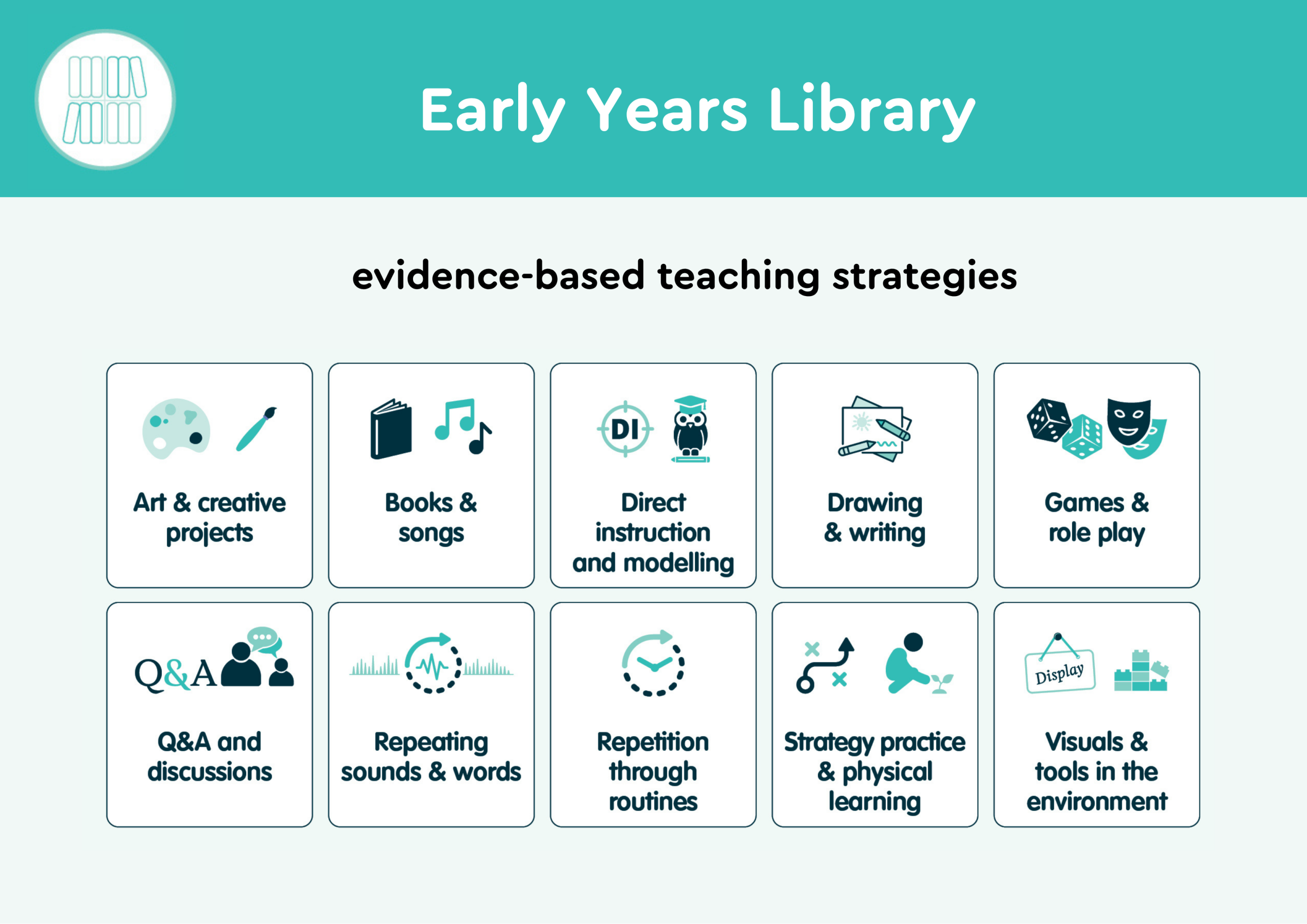
1. The 10 teaching strategies
For this video, you will need your introductory workbook (activity 1) and the Early Years Library overview booklet called Introduction to the Early Years Library for educators.
Extra materials: Model answer sheet
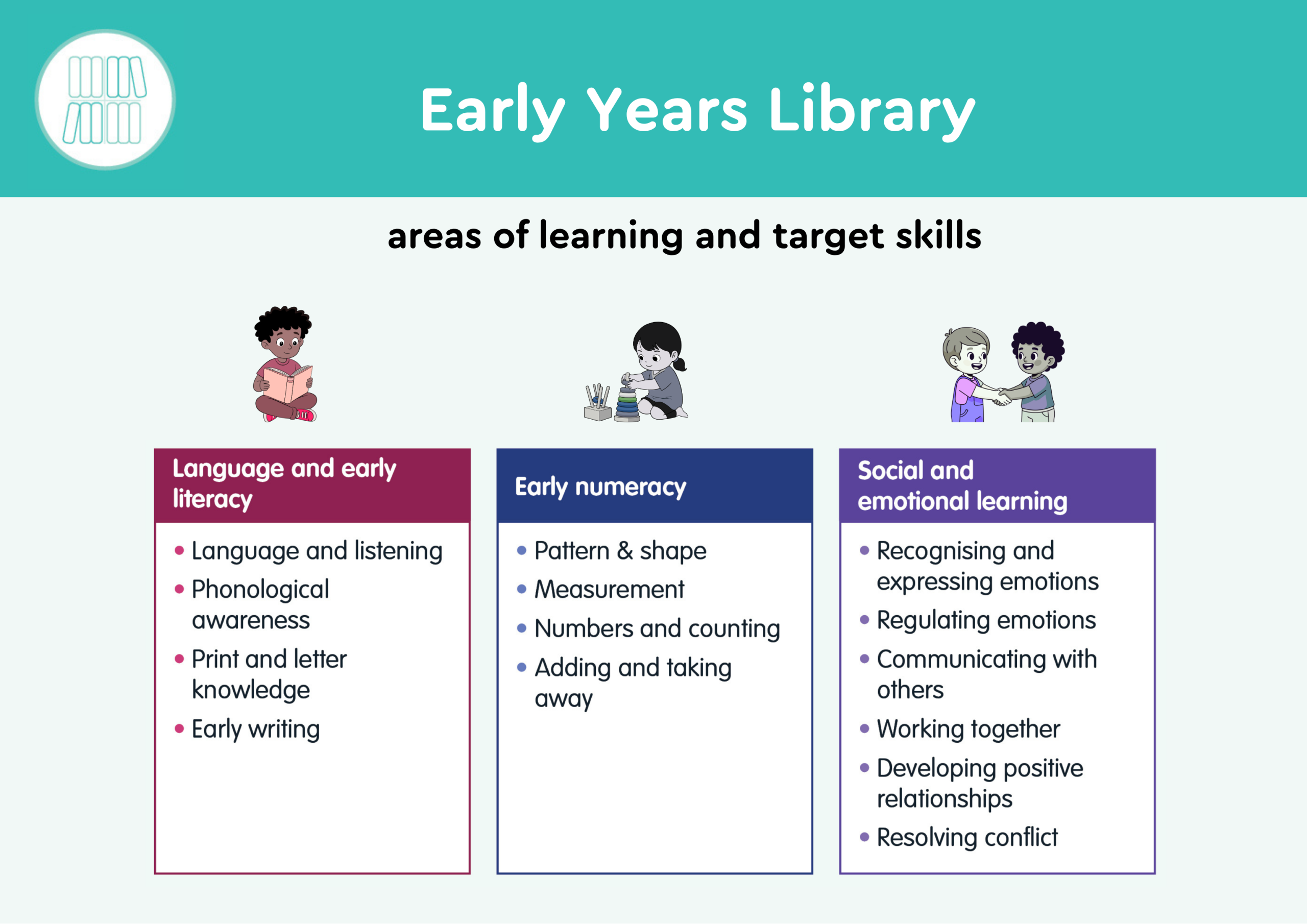
2. The structure of the Early Years Library booklets
For this video, you might also want to have the Early Years Library booklets handy so you can follow along.
3. Reflecting on quality – introducing the user principles
For this video, you will need your Introductory Workbook (activity 2) and the video below in the extra materials.
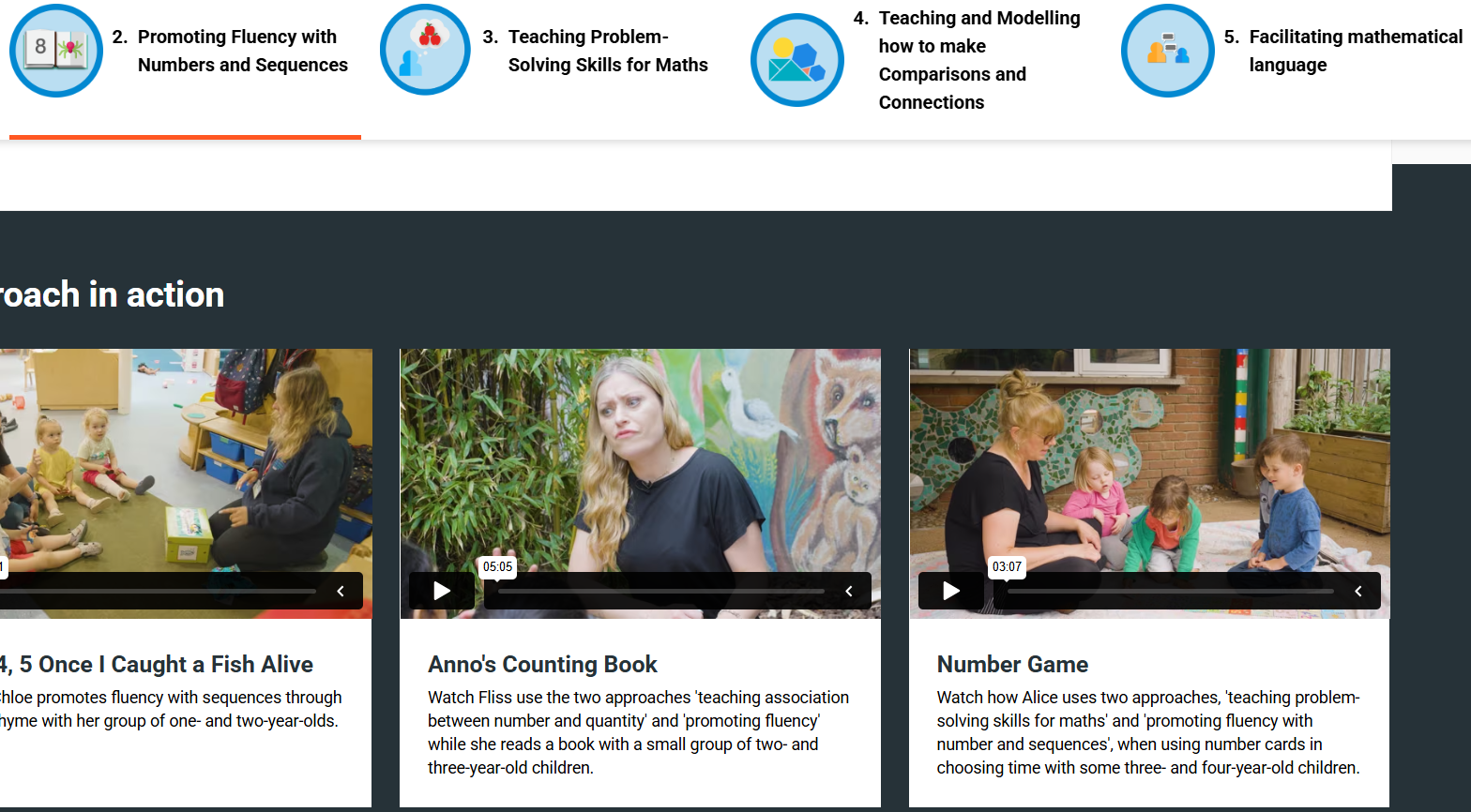
Extra materials: For this activity, you will need to access this freely accessible video from the EEF evidence store.
You will need to scroll right down to the bottom of the page to find the video, which is called ‘Number Game’ and is the furthest to the right of the videos in this series.
4. Techniques for professional learning used in the Early Years Library
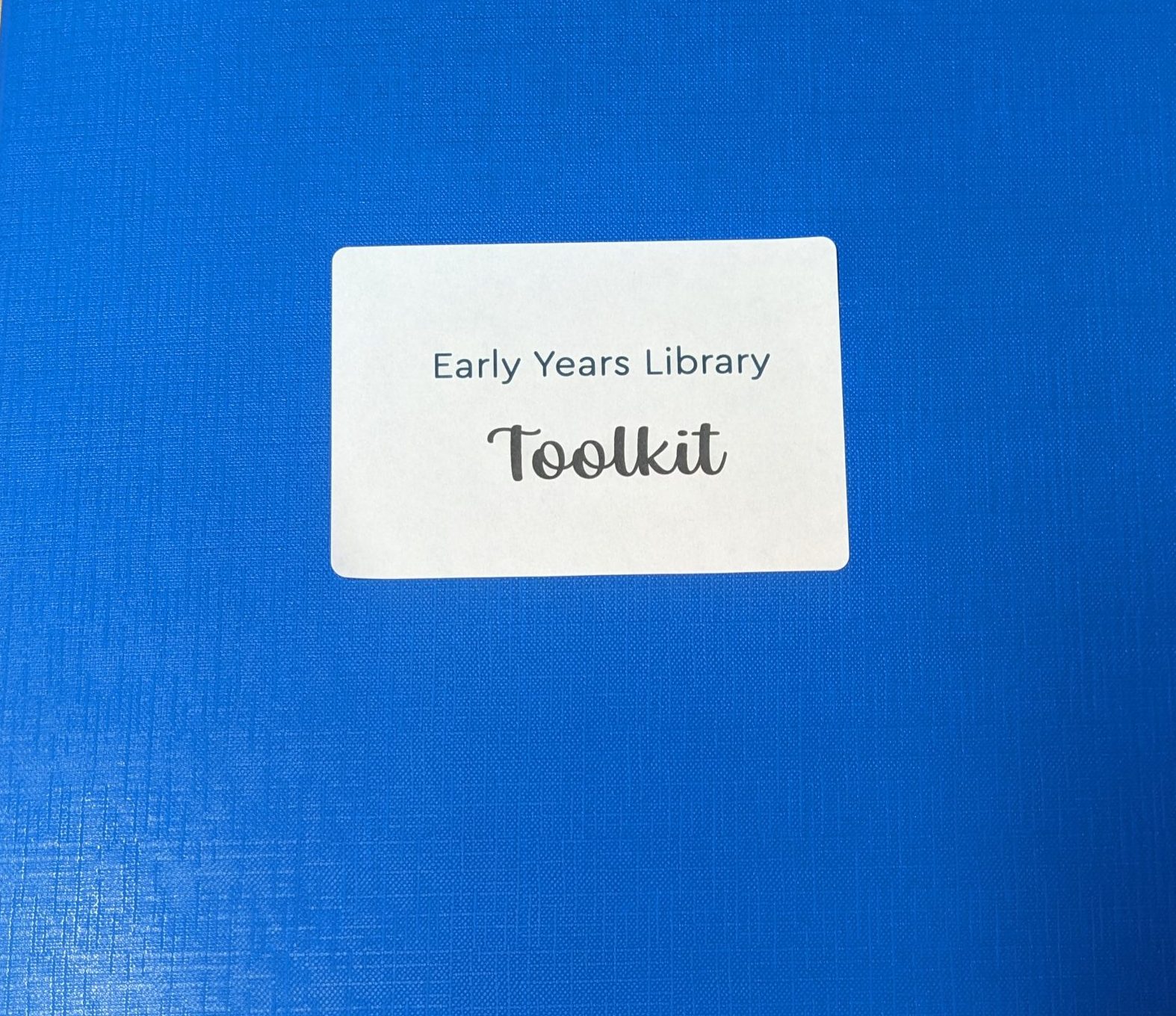
For this video, you might want to have paired reflection templates close by to refer to. You can find them in your Early Years Library toolkit (blue folder).
Part 2. Understanding the role of the leaders and champions
5. Using the Early Years Library – roles and responsibilities
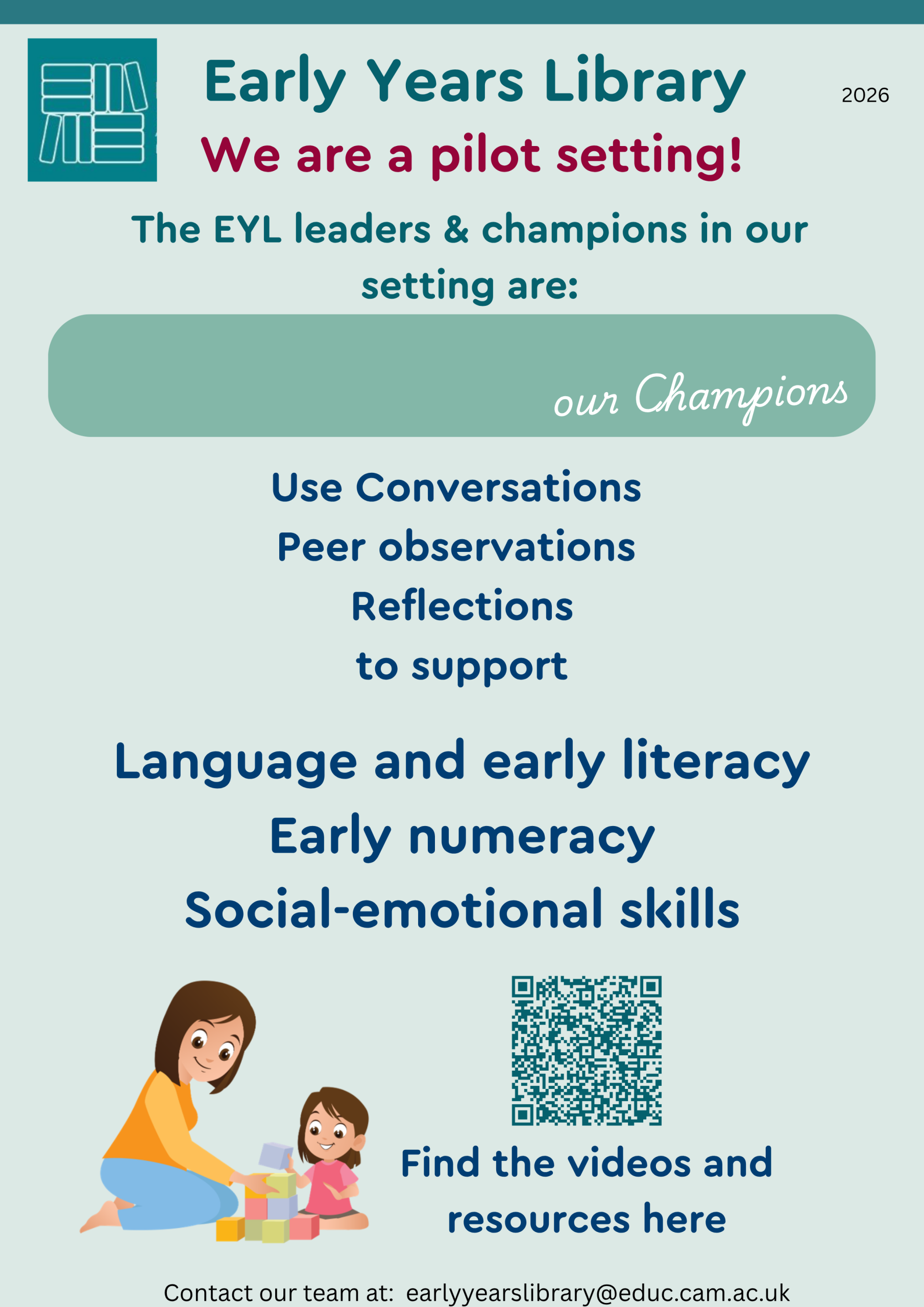
For this video, you will need the Early Years Library setting poster. You can find it at the end of your Early Years Library toolkit (blue folder).
6. The process: what leaders and champions need to do to support the use of the Early Years Library
For this video, you will need the resources in the Early Years Library toolkit (blue folder).
7. The approach: how leaders and champions need to support the use of the Early Years Library
For this video, you will need your Introductory Workbook for leaders and champions (activities 3 to 5). You will also need to use the EEF video again (information for how to access it is below in the extra materials).
Extra materials: For this activity, you will need to access this freely accessible video from the EEF evidence store.
You will need to scroll down to the bottom of the page to find the video, which is called ‘Number Game’ and is the furthest to the right of the videos in this series.
Part 3: Planning how to use the Early Years Library
8. Planning how to use the Early Years Library
For this video, you will need your Introductory Workbook for leaders and champions (activities 6 and 7). You will also need a Weekly Planner from your Early Years Library toolkit (blue folder).
9. Final words
The Early Years Library toolkit
You can download copies of your toolkit here